WORKOUT TIMERS
Plank timer
Timed holds and short rests for front planks, side planks and a full core routine
A plank is easier to hold when you don’t have to watch the clock. A timer counts the hold, tells you when to rest, and starts the next one, so you can keep your eyes down and your body straight.
Build up your hold
| Stage | Hold | Rest | Sets |
|---|---|---|---|
| Starting out | 20 s | 40 s | 3 |
| Getting stronger | 30 s | 30 s | 4 |
| Strong | 45 s | 30 s | 4 |
| Very strong | 60 s | 30 s | 5 |
Several good holds are worth more than one long one where your hips sag. When your form goes, the set is over.
A plank workout in the advanced timer
- Create an advanced timer and add an interval for each hold: Front plank, Side plank left, Side plank right.
- Add a short rest after each hold, and give holds and rests their own colors.
- Select the intervals and duplicate them for a second and third round.
- Save it, and run it on your iPhone or your Apple Watch.
YOUR NEXT SESSION STARTS HERE
Bring the effort.
We’ll keep the time.
Cero is free to download for iPhone, iPad and Apple Watch.
Download Cero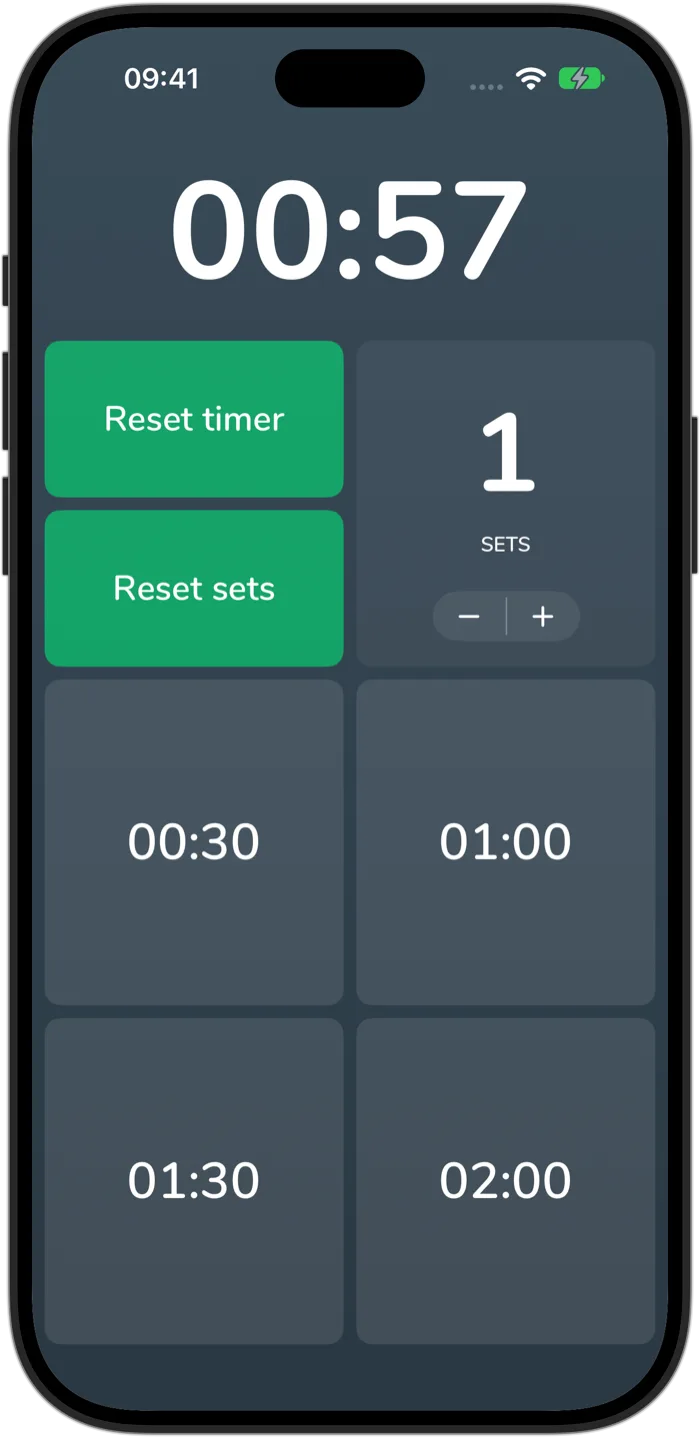
Cero is a timer, not a medical device. If you’re new to hard exercise, are pregnant or have a health condition, check with your doctor first, and stop if you feel unwell.