
FREE TOOL
Online interval timer
Set work, rest and rounds, press Start and follow the beeps. Free, in your browser
How to use it
- Pick a preset, or enter your own work, rest and rounds.
- Set a get-ready countdown, to get into position.
- Press Start. You’ll hear a beep at every change, and three short beeps before it.
- Keep this tab open and in front: browsers can slow down timers in background tabs.
| Workout | Work | Rest | Rounds |
|---|---|---|---|
| Tabata | 20 s | 10 s | 8 |
| HIIT | 40 s | 20 s | 10 |
| Boxing | 180 s | 60 s | 6 |
| Running 4×4 | 240 s | 180 s | 4 |
Take it further with Cero
- Keeps going with your screen locked, with background alerts, a Live Activity and the Dynamic Island.
- Warm-up, cool down and custom intervals with their own names, colors and icons.
- Voice cues, vibration and your own music.
- Apple Watch, with your heart rate and Adaptive HR.
- Saved timers, workout history and Apple Health.
YOUR NEXT SESSION STARTS HERE
Bring the effort.
We’ll keep the time.
Cero is free to download for iPhone, iPad and Apple Watch.
Download Cero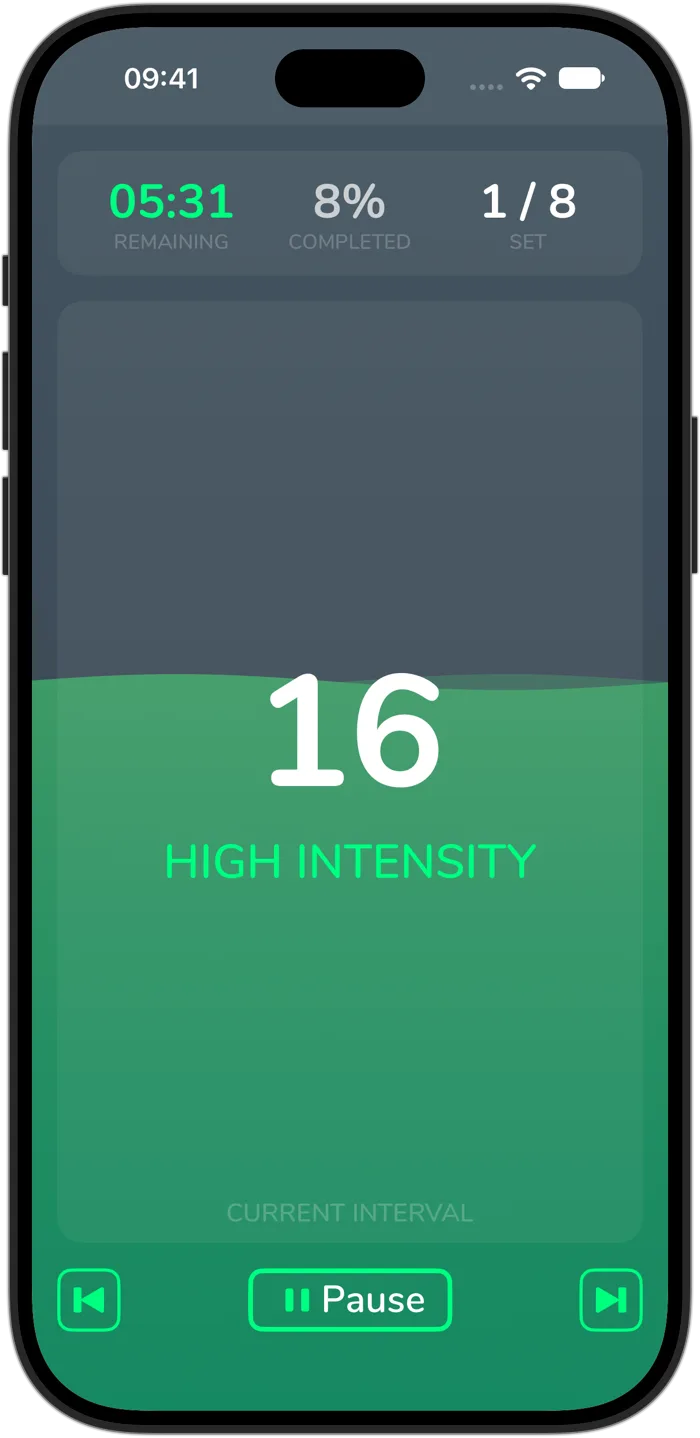
Cero is a timer, not a medical device. If you’re new to hard exercise, are pregnant or have a health condition, check with your doctor first, and stop if you feel unwell.