
WORKOUT TIMERS
AMRAP timer
One clock counting down, as many rounds as you can fit in, and a counter to tally them
AMRAP stands for as many rounds (or reps) as possible. You set a time, such as 12 or 20 minutes, and repeat a short circuit until the clock runs out. Your score is the rounds you finish, and repeating the same AMRAP a few weeks later shows your progress.
How to time it in Cero
- In Countdown, touch and hold a preset to set it to your AMRAP time, up to 30 minutes and 59 seconds.
- Tap the preset to start.
- After each round, add one to the sets counter, so you don’t have to remember.
- Prefer voice cues and a warm-up first? Use a simple timer with high intensity set to your AMRAP time and sets set to 1.
Doing a set amount of work as fast as possible instead, a workout “for time”? Use the Rounds for time template, or the lap stopwatch.
Sample AMRAPs
- 8 minutes: 10 burpees, 20 walking lunges.
- 12 minutes: 5 pull-ups, 10 push-ups, 15 squats.
- 20 minutes: 400 m run, 15 kettlebell swings, 10 box jumps.
YOUR NEXT SESSION STARTS HERE
Bring the effort.
We’ll keep the time.
Cero is free to download for iPhone, iPad and Apple Watch.
Download Cero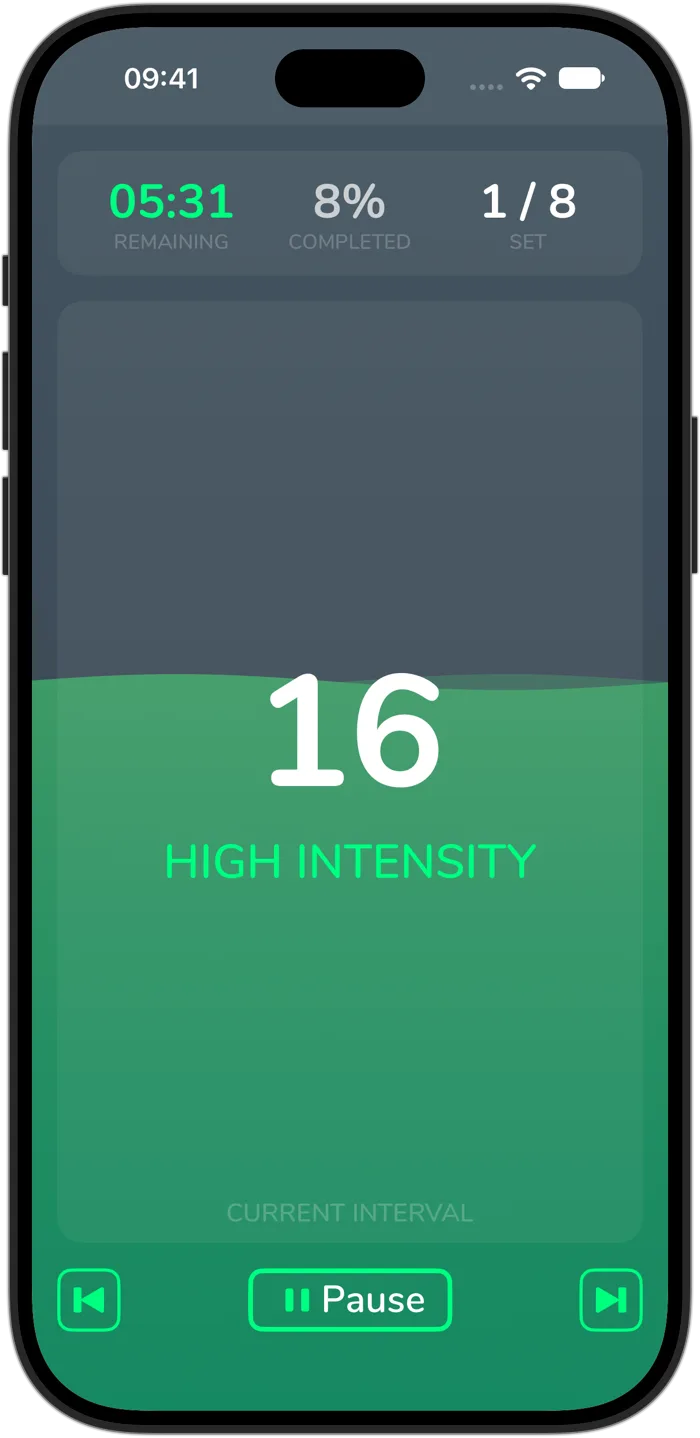
Cero is a timer, not a medical device. If you’re new to hard exercise, are pregnant or have a health condition, check with your doctor first, and stop if you feel unwell.