
QUICK ANSWERS
How to set an interval timer on iPhone
The Clock app can’t switch between work and rest on its own. Here’s how to set real intervals in a minute
What the Clock app can and can’t do
| Clock app | Cero | |
|---|---|---|
| A countdown | Yes | Yes |
| Work and rest, one after the other | No | Yes |
| Sets or rounds | No: tap Repeat each time | Up to 100 |
| Warm-up and cool down | No | Yes |
| A cue at each change | One sound when it ends | Sound, voice or vibration |
| Save a workout to run again | Recent and preset lengths | Saved timers |
Set an interval timer in Cero
- Download Cero from the App Store. It’s free.
- Create a simple timer and set high intensity, the work, for example to 40 seconds.
- Set low intensity, the rest, for example to 20 seconds, and the number of sets.
- Add a warm-up and a cool down if you want them, then tap Start.
For more than work and rest
When a workout has different exercises, open rounds or a run between stations, use the advanced timer: up to 200 intervals, each timed or open, with templates for Tabata, EMOM and more.
Start it with Siri or a shortcut
Cero adds its own actions to Siri and the Shortcuts app on iOS 17 and later: start a saved timer, or a custom one with work, rest and sets. You can also put one on the Action Button. See how to start a timer with Siri or the Action Button.
While it runs
Lock your phone or switch apps and the timer keeps going. Cero can show the time left on the Lock Screen and in the Dynamic Island, plays its cues over your music, and can call out each change with voice cues.
Free toolTry an interval timer nowRun work, rest and rounds in your browser, free.YOUR NEXT SESSION STARTS HERE
Bring the effort.
We’ll keep the time.
Cero is free to download for iPhone, iPad and Apple Watch.
Download Cero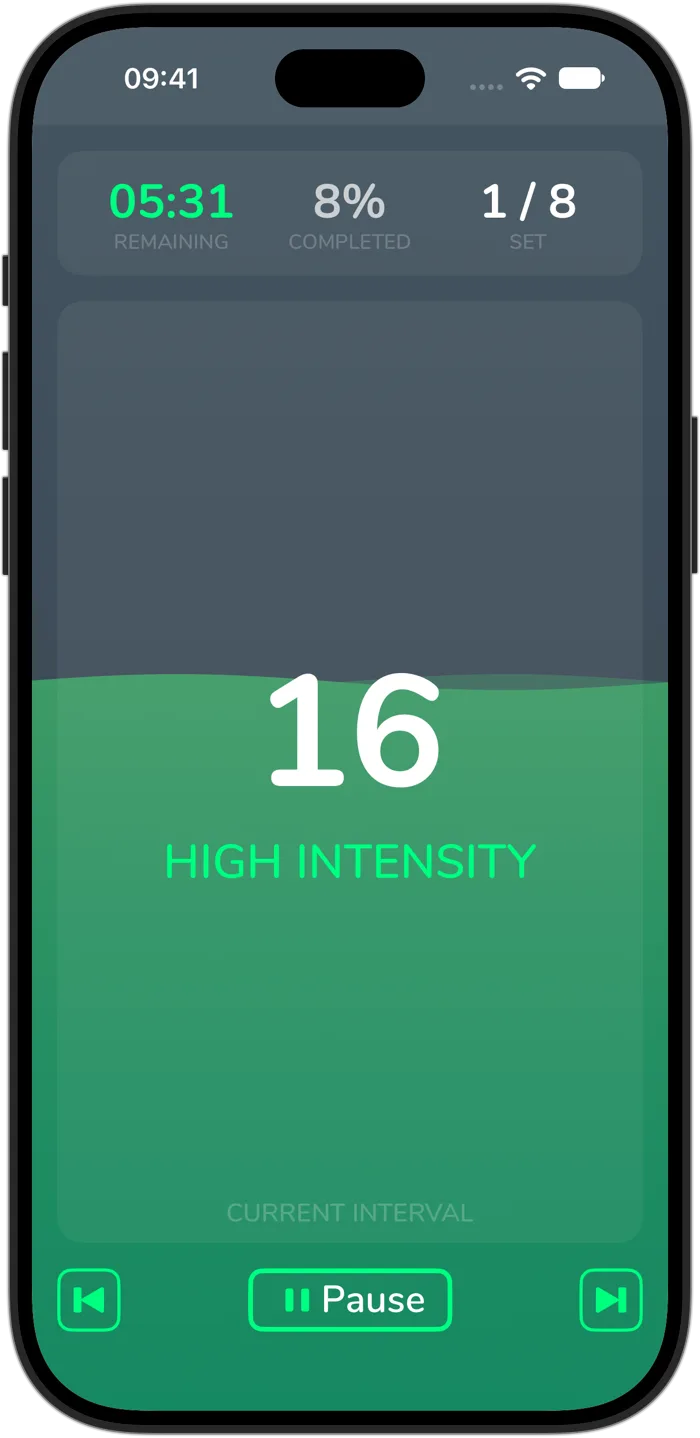
Cero is a timer, not a medical device. If you’re new to hard exercise, are pregnant or have a health condition, check with your doctor first, and stop if you feel unwell.